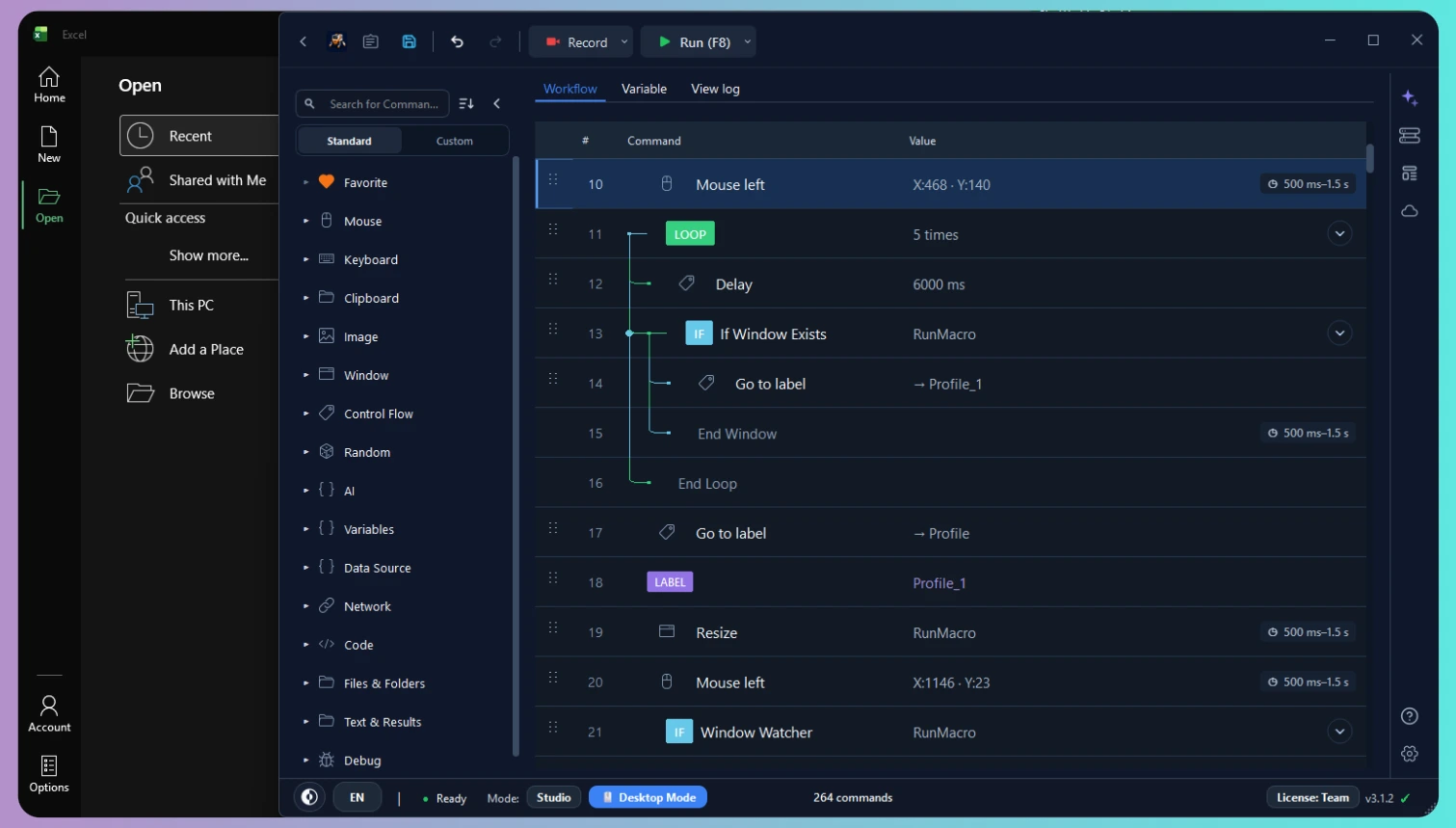
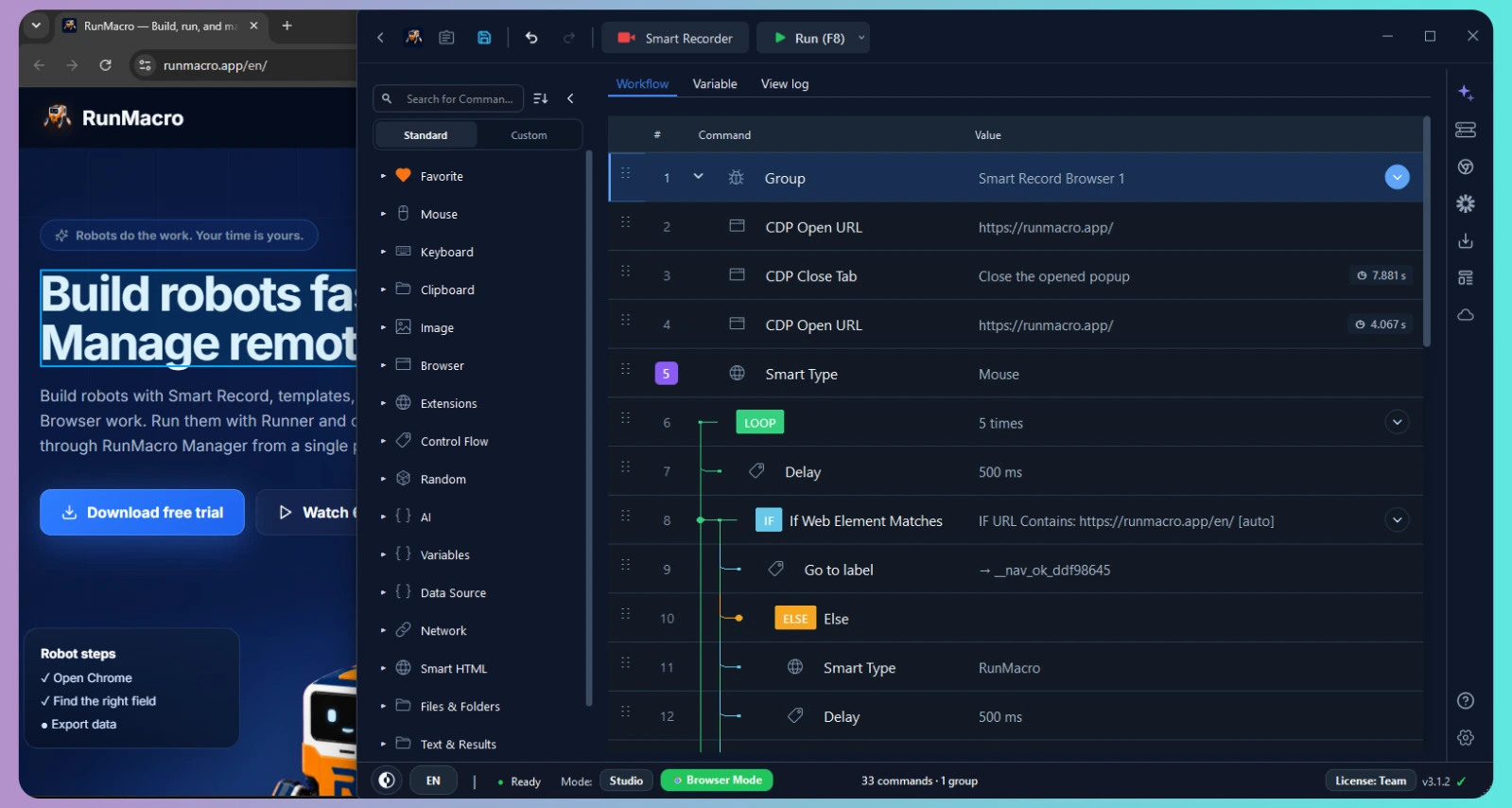
Smart RecordInstant Macro
Smart Record: Record once, automate forever
Record everyday mouse clicks, keystrokes, and smart web elements automatically. Turn repetitive desktop or browser actions into dependable workflows in minutes.
See Smart Record →RunMacro is an all-in-one Windows automation platform for building desktop and browser workflows, executing them reliably in the background, and remotely managing multiple worker PCs.
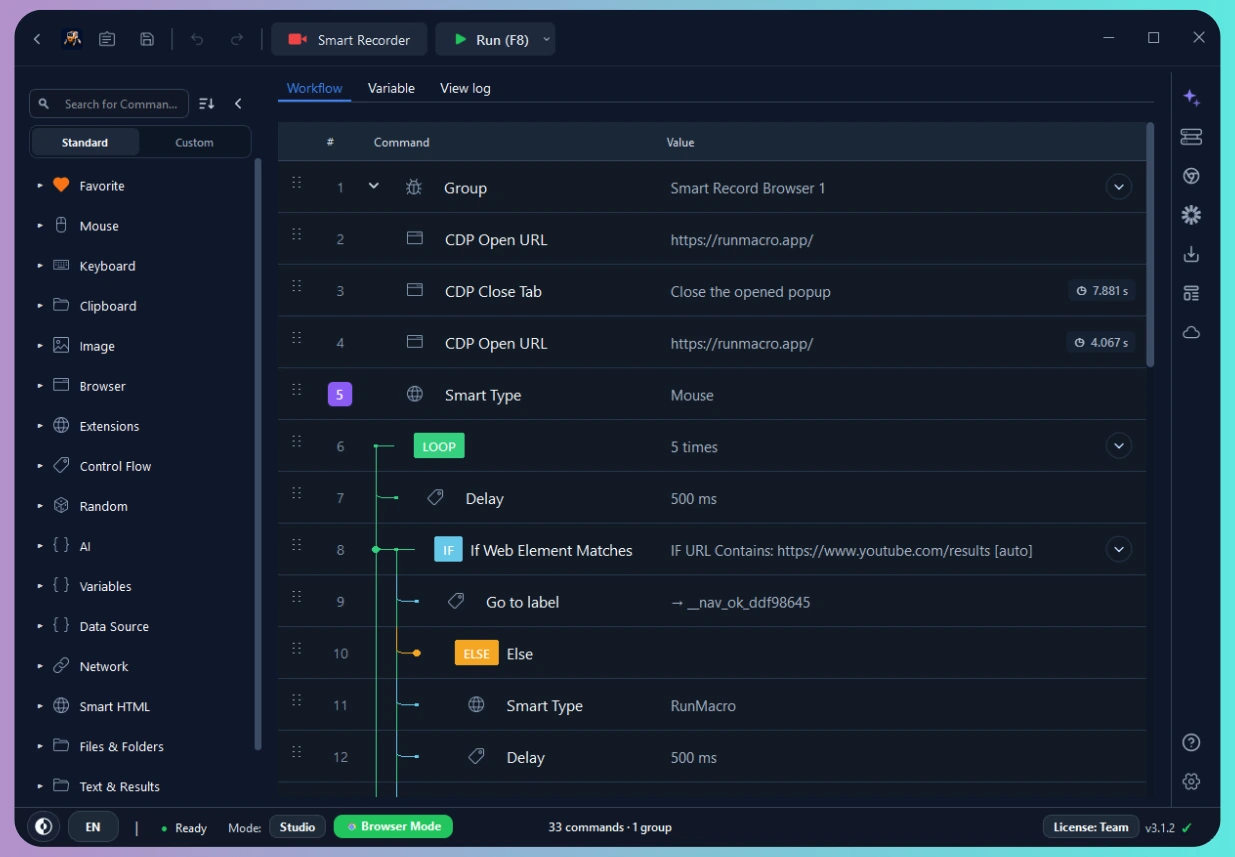
Record everyday mouse clicks, keystrokes, and smart web elements automatically. Turn repetitive desktop or browser actions into dependable workflows in minutes.
See Smart Record →Describe what you need in plain text, let AI generate a complete macro workflow draft, and customize every step.
See AI Workflow →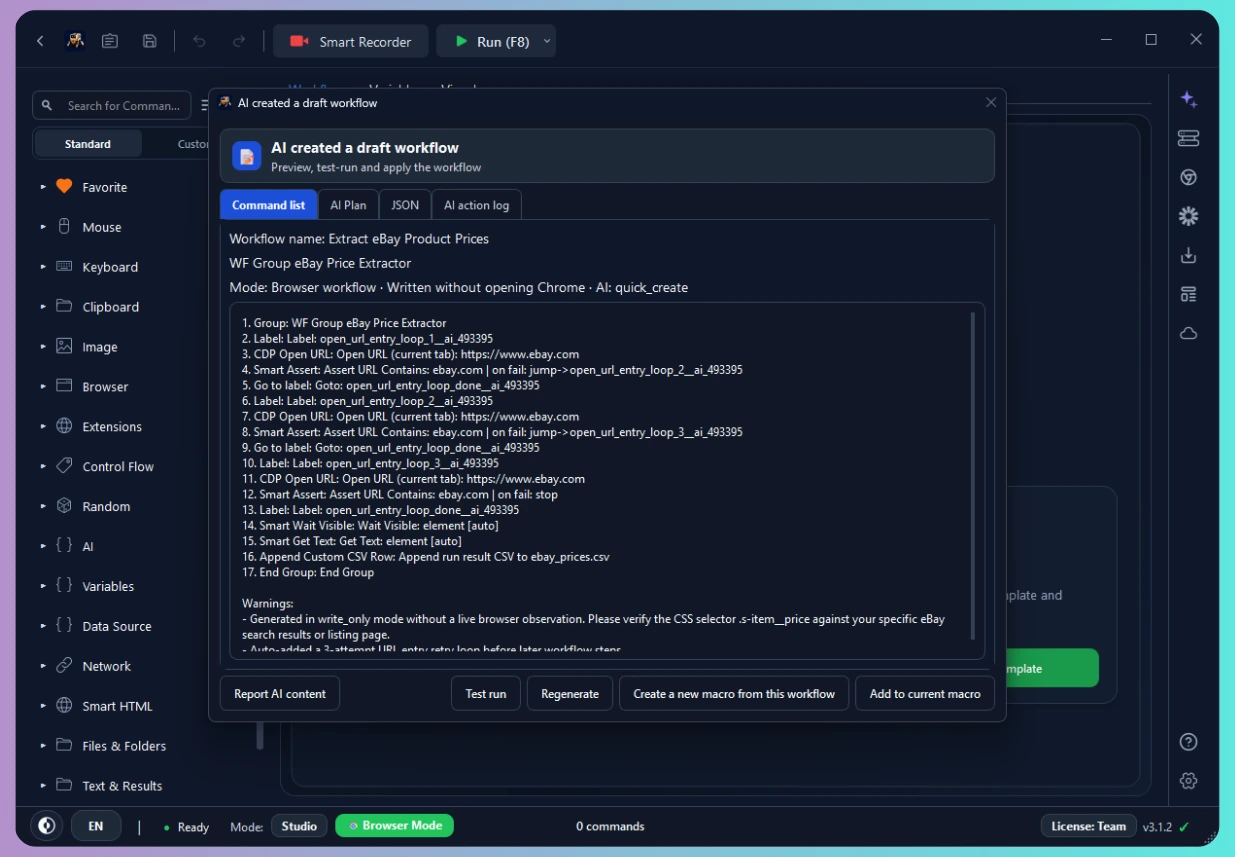
Run jobs now or on a schedule across connected computers, with live status and controls in one place.
Explore RunMacro Manager →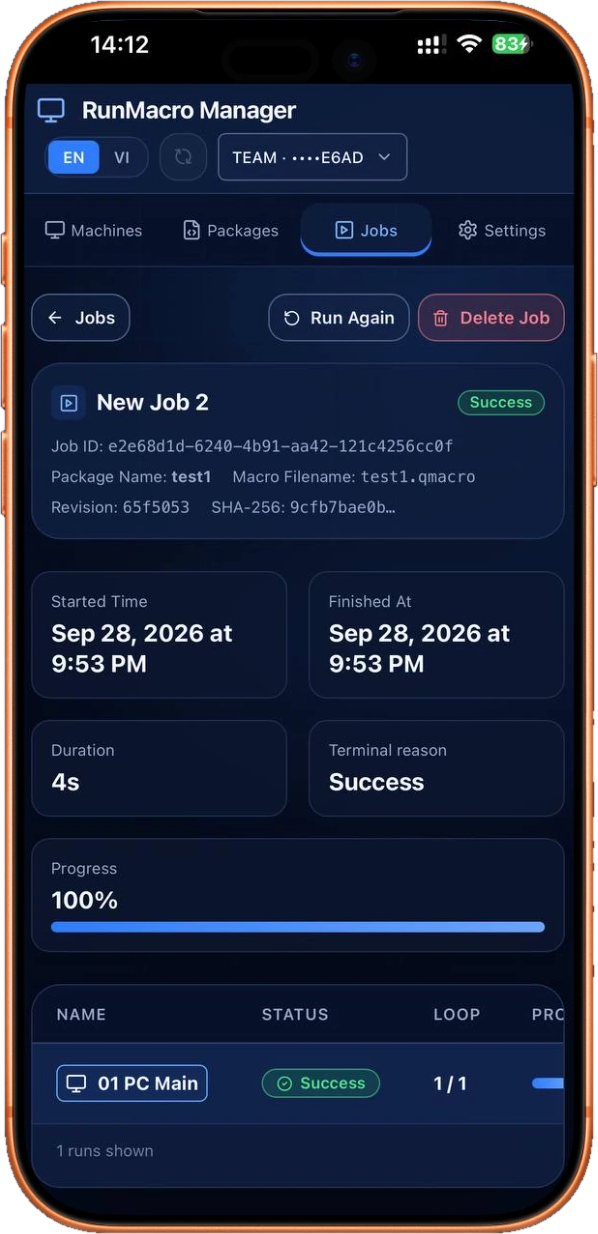
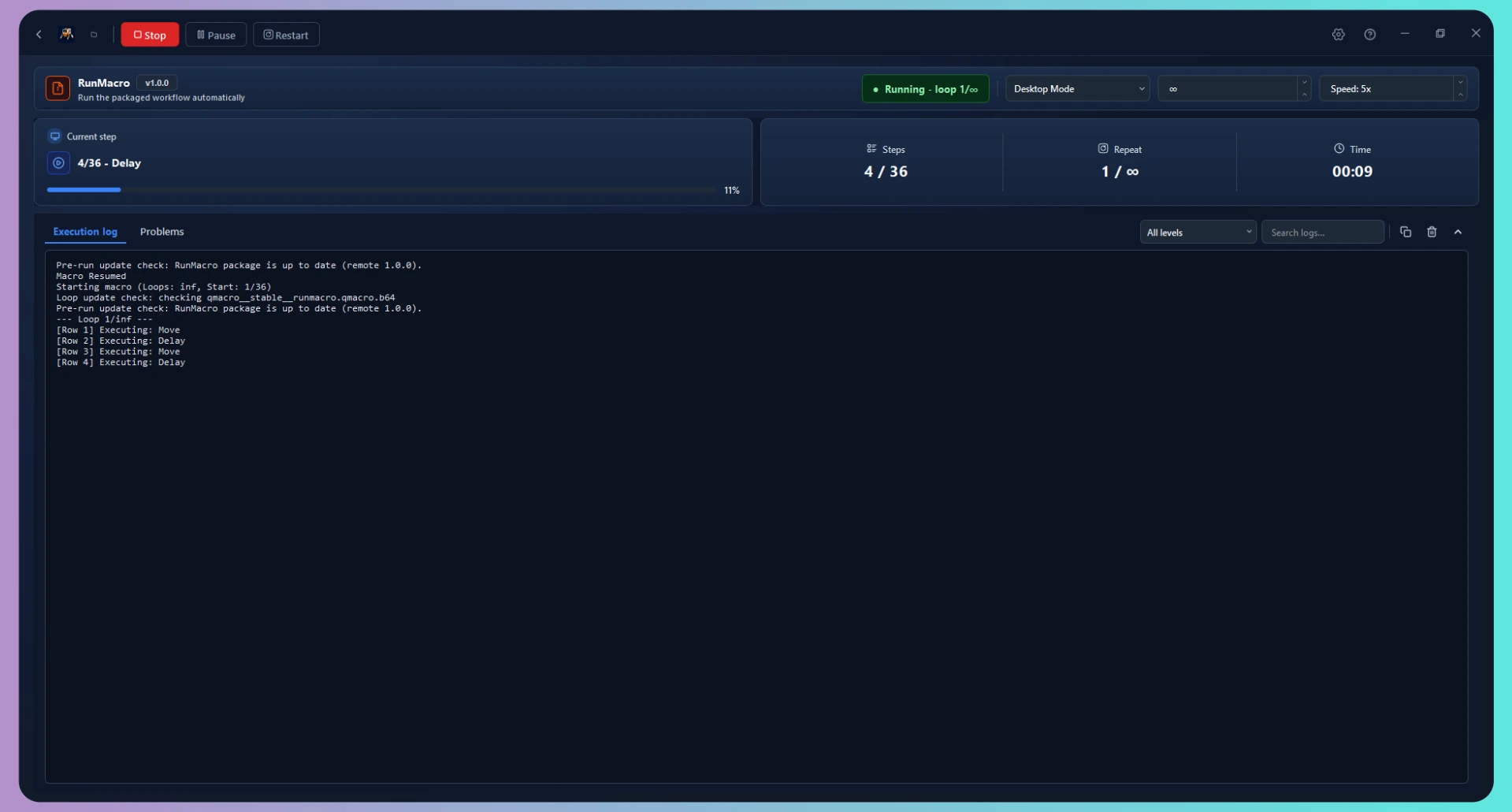
Run locally or in the background, then monitor connected robots from RunMacro Manager.
Automate Windows apps with mouse, keyboard, images, and data when no API or web selector is available.
Run background Chrome workflows without taking over the mouse, while you keep working on the same computer.
Package workflows into a simple runner so end users can enter data and run automation safely.
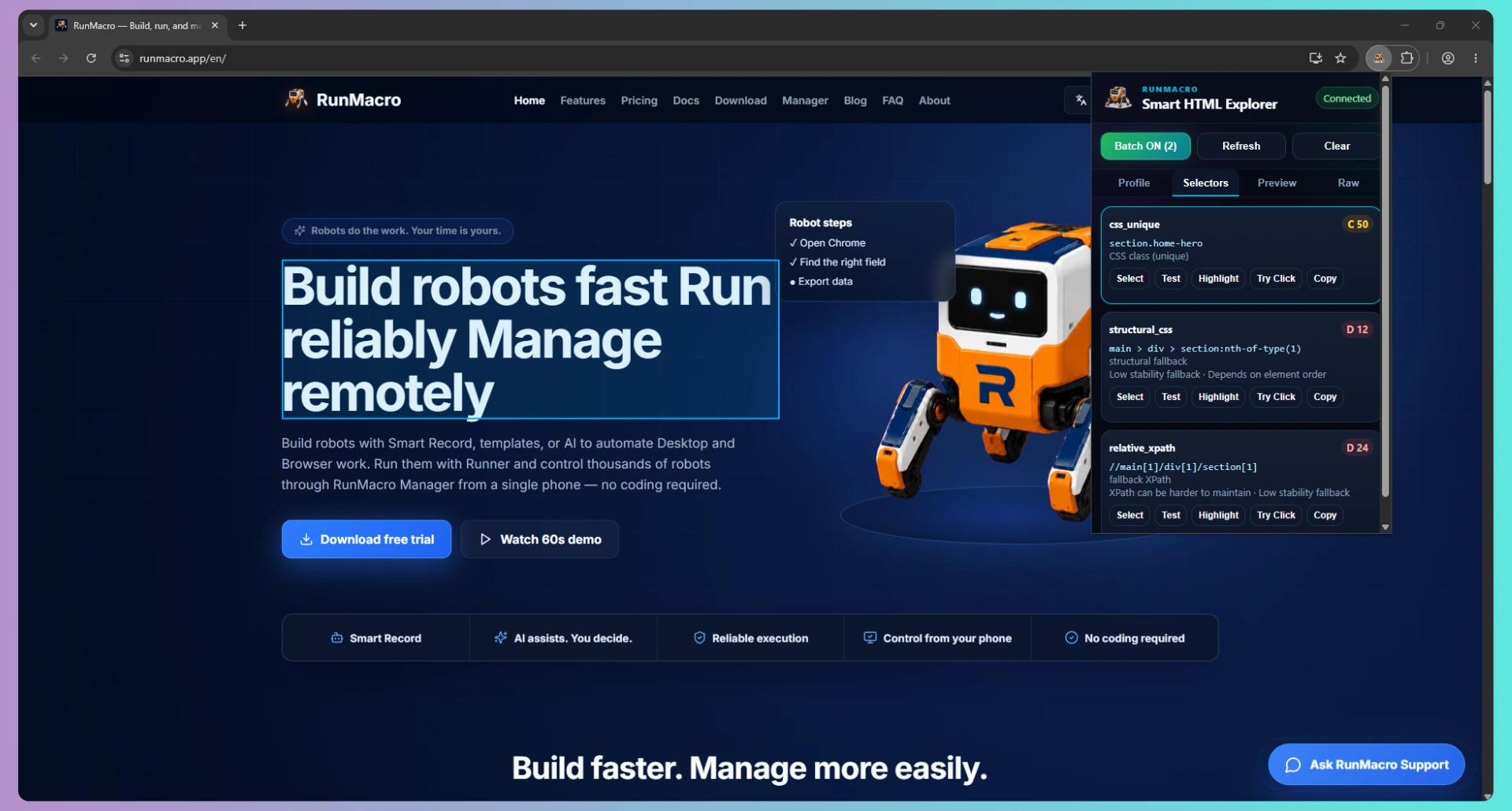
Pick elements directly on a website with one click. No HTML, CSS, or XPath knowledge required.
Act on HTML structure instead of fixed coordinates, reducing errors when interfaces move.
Find images or multiple colors at once for interfaces where selectors are not available.
Write results to Excel, CSV, or Google Sheets with just a few workflow steps.
Start from a practical workflow for data entry, forms, files, or data collection instead of a blank page.
Review steps, use dependable targets, and inspect logs so robots can run consistently.
RunMacro uses resilient Smart HTML element targeting to prevent broken workflows when website layouts change.
Share approved templates and robot versions so the whole team starts from the same steps.
Create a workflow with Smart Record or AI. No coding required.
Edit and test every step before the robot runs.
Choose a machine, mode, and schedule.
Monitor live status and control robots from your phone.
Read Excel/CSV files and enter data into desktop software or web apps without errors.
View guide →Fill information, upload files, and submit forms automatically.
View guide →Extract website data and export it to Excel, CSV, or Google Sheets.
View guide →Run the same workflow across multiple profiles or accounts simultaneously.
View guide →Automate high-speed mouse clicking, multi-point sequences, and repetitive taps.
View guide →Simulate automated keystrokes, repeated text typing, and complex shortcuts.
View guide →Four practical differences: Smart Record, AI Workflow, reliable execution, and RunMacro Manager.
| Capabilities |  RunMacroRecommended RunMacroRecommended | Traditional macro tools | AI agents | Enterprise RPA |
|---|---|---|---|---|
| Smart RecordRecord your work and turn it into a workflow | Built in | Basic recording | Varies | Varies |
| AI WorkflowDescribe the job, AI creates a workflow draft | Built in | Usually no | Core feature | Varies |
| Reliable executionRobots run consistently and dependably | Designed for repeat runs | Varies by tool | Depends on each run | Available |
| RunMacro ManagerMonitor and control connected robots from your phone | Built in | Usually no | Varies | Available |
Feedback from beta testers and early workflow builders using RunMacro for real repetitive work.

I recorded a login and form-filling process, then adjusted a few steps. The workflow now runs reliably and was much quicker to build than adding every command by hand.

I can leave Browser Mode running in the background and continue with other work. Not losing control of my mouse makes a real difference during the day.

A step failed during one of my test runs, and the logs showed me where to look. The selector details made the workflow much quicker to fix.
Looking for early testers? Join the beta and help shape RunMacro with real workflow feedback.

Create a robot in minutes, no coding needed. Reliable execution, remote management, transparent costs — and you always stay in control.