
Docs
RunMacro Documentation
Create your first robot, then go further as needed.
Clear step-by-step guides to create, run, and improve robots for repetitive computer work.
Go back in background Chrome (CDP)
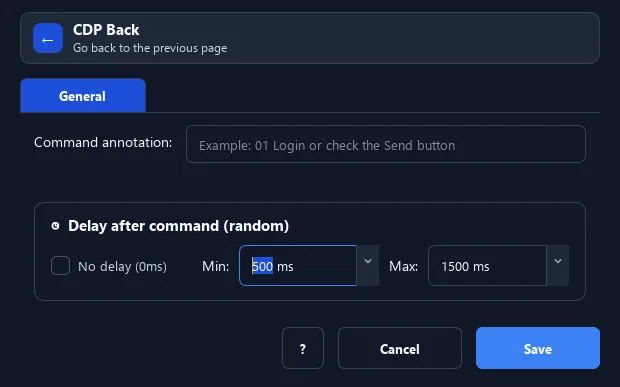
The Back command sends the background Chrome tab to the previous page in history — like pressing the browser Back button.
Prerequisites#
- Add Back to the macro.
- Prepare the data or target that Back will use.
Supported modes#
- Browser Mode
What it does#
The Back command sends the background Chrome tab to the previous page in history — like pressing the browser Back button.
Screenshots & video#
When to use it#
- After opening a detail page, go back to the list.
- Undo a navigation step and return to the prior page.
- Move back and forth between two pages.
When not to use it#
- Do not use Back when tab history is unknown or an SPA manages navigation differently.
Configuration steps#
- In Browser Mode (CDP), add the Browser › Back command.
- Add a Delay afterwards if the page needs time to load.
- Save.
Expected result#
After execution, Back completes the described action and makes its result available to the next step.
Real example#
Example: browse a list#
- Open a detail item.
- Extract data.
- Go Back to pick the next item.
Limitations and failure cases#
- With no history the page may not change; redirects/SPAs can land elsewhere and readiness needs checking.
Tips & common mistakes#
If there is no previous page in history, the command simply has no effect.
Verification details#
commands/browser.py
