
Docs
RunMacro Documentation
Create your first robot, then go further as needed.
Clear step-by-step guides to create, run, and improve robots for repetitive computer work.
Run a C# snippet in RunMacro
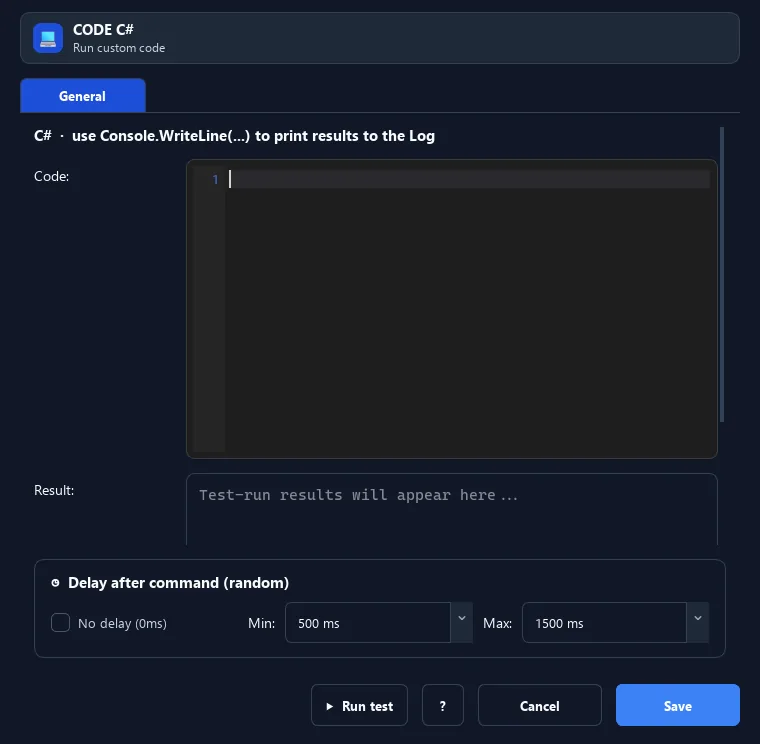
The Run C# Code command inserts and runs a C# snippet.
Prerequisites#
- Add Run C# Code to the macro.
- Prepare the data or target that Run C# Code will use.
Supported modes#
- RunMacro Runner
What it does#
The Run C# Code command inserts and runs a C# snippet. RunMacro prefers dotnet-script/csi, falling back to the .NET Framework csc compiler. Printed output goes to the log.
Screenshots & video#
When to use it#
- Leverage .NET libraries for a special task.
- Handle complex logic in C#.
- Integrate a C# computation/formatting snippet.
When not to use it#
- Do not run unreviewed C# or when required compiler/runtime/references are unavailable.
Configuration steps#
- Add a Code › Run C# Code command.
- Enter your C# snippet.
- Use
Console.WriteLine(...)to output to the log. Save.
Every option explained#
Expected result#
After execution, Run C# Code completes the described action and makes its result available to the next step.
Real example#
Example: print a line#
- Run C# Code with
Console.WriteLine("Hello");. - The line appears in the log.
Limitations and failure cases#
- Compilation can fail by version/reference; the assembly runs with process permissions and can modify the system.
Tips & common mistakes#
You need dotnet-script, csi, or csc.exe available; otherwise the command reports it cannot run.
Verification details#
commands/code.py
