
Docs
RunMacro Documentation
Create your first robot, then go further as needed.
Clear step-by-step guides to create, run, and improve robots for repetitive computer work.
Condition block: Else and End If in RunMacro
The Else and End If pair form the condition block used with IF commands (like Find Image, IF Window, IF Clipboard).
Prerequisites#
- Add Else / End If to the macro.
- Prepare the data or target that Else / End If will use.
Supported modes#
- RunMacro Runner
What it does#
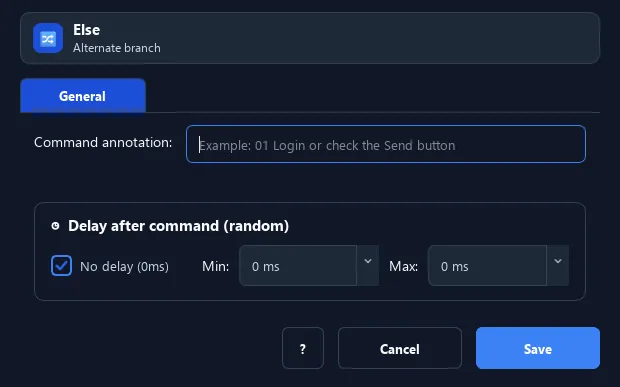
The Else and End If pair form the condition block used with IF commands (like Find Image, IF Window, IF Clipboard). Commands between IF and Else run when true; between Else and End If run when false. End If marks the block end.
Screenshots & video#
When to use it#
- Run two different branches for true/false.
- Cleanly close an IF block so later steps continue normally.
- Pair with any command that yields true/false (Find Image, IF Window, IF File...).
When not to use it#
- Do not add Else or End If without an open IF/Loop block, and omit Else when no false branch is needed.
Configuration steps#
- Add a condition command (e.g. Find Image) — it opens the IF block.
- Put the commands for the true case right below.
- (Optional) add Else then the commands for the false case.
- Finish with End If. Save.
Every option explained#
Expected result#
After execution, Else / End If completes the described action and makes its result available to the next step.
Real example#
Example: click if found, else log#
- Find Image of the "OK" button (opens the IF block).
- True branch: Mouse Click.
- Else → false branch: log/exit.
- End If to close the block.
Limitations and failure cases#
- Else and End If depend entirely on block order and nesting; closing blocks out of order makes the runner interpret the structure incorrectly.
Tips & common mistakes#
Each IF block should have an End If so RunMacro knows the boundary; nested blocks must close in order.
Verification details#
commands/control_flow.py
