
Docs
RunMacro Documentation
Create your first robot, then go further as needed.
Clear step-by-step guides to create, run, and improve robots for repetitive computer work.
Close the current tab in background Chrome (CDP)
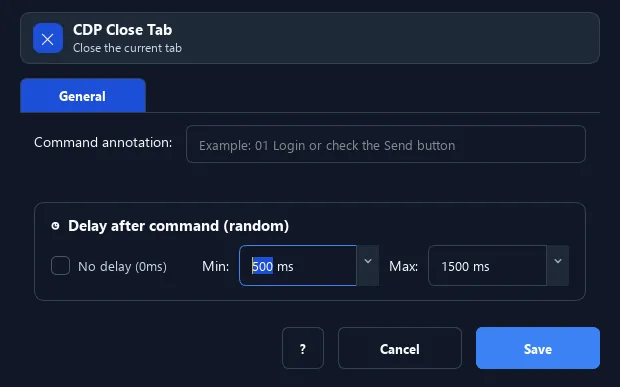
The Close Tab command closes the active tab of background Chrome.
Prerequisites#
- Add Close Tab to the macro.
- Prepare the data or target that Close Tab will use.
Supported modes#
- Browser Mode
What it does#
The Close Tab command closes the active tab of background Chrome. For safety, if only one tab remains, RunMacro navigates it to about:blank instead of closing Chrome entirely.
Screenshots & video#
When to use it#
- Clean up a side tab after extracting data.
- Close an ad/popup page opened in its own tab.
- Keep the window tidy across many loops.
When not to use it#
- Do not close a tab with unsaved form state or an uncertain target selection.
Configuration steps#
- In Browser Mode (CDP), select the right tab with Switch Tab if needed.
- Add the Browser › Close Tab command.
- Save.
Expected result#
After execution, Close Tab completes the described action and makes its result available to the next step.
Real example#
Example: close the lookup tab#
- Switch Tab → the side tab.
- Close Tab.
- Switch Tab → 1 to return to the main tab.
Limitations and failure cases#
- Closing destroys tab session state and can change the active target; last-tab/extension behavior depends on Chrome.
Tips & common mistakes#
The command has no options — it always closes the currently selected tab. Use Switch Tab first to target the right one.
Verification details#
commands/browser.py
